What is a Find?
A Find refers to an individual piece of content that your Ghost has “found” for you on a give social media platform
Written By Marc Frankel
Last updated Almost 2 years ago
Examples of Finds
Twitter (X) Finds - Tweets and replies
Reddit Finds - Posts and comments
Facebook Finds - Posts
Is there a limit to my Finds?
Both subscription plans on PitchGhost offer unlimited Finds. However, you can set a maximum limit per Ghost to manage outreach effectively and prevent your account from getting swamped with Finds.
Where can I see my Finds?
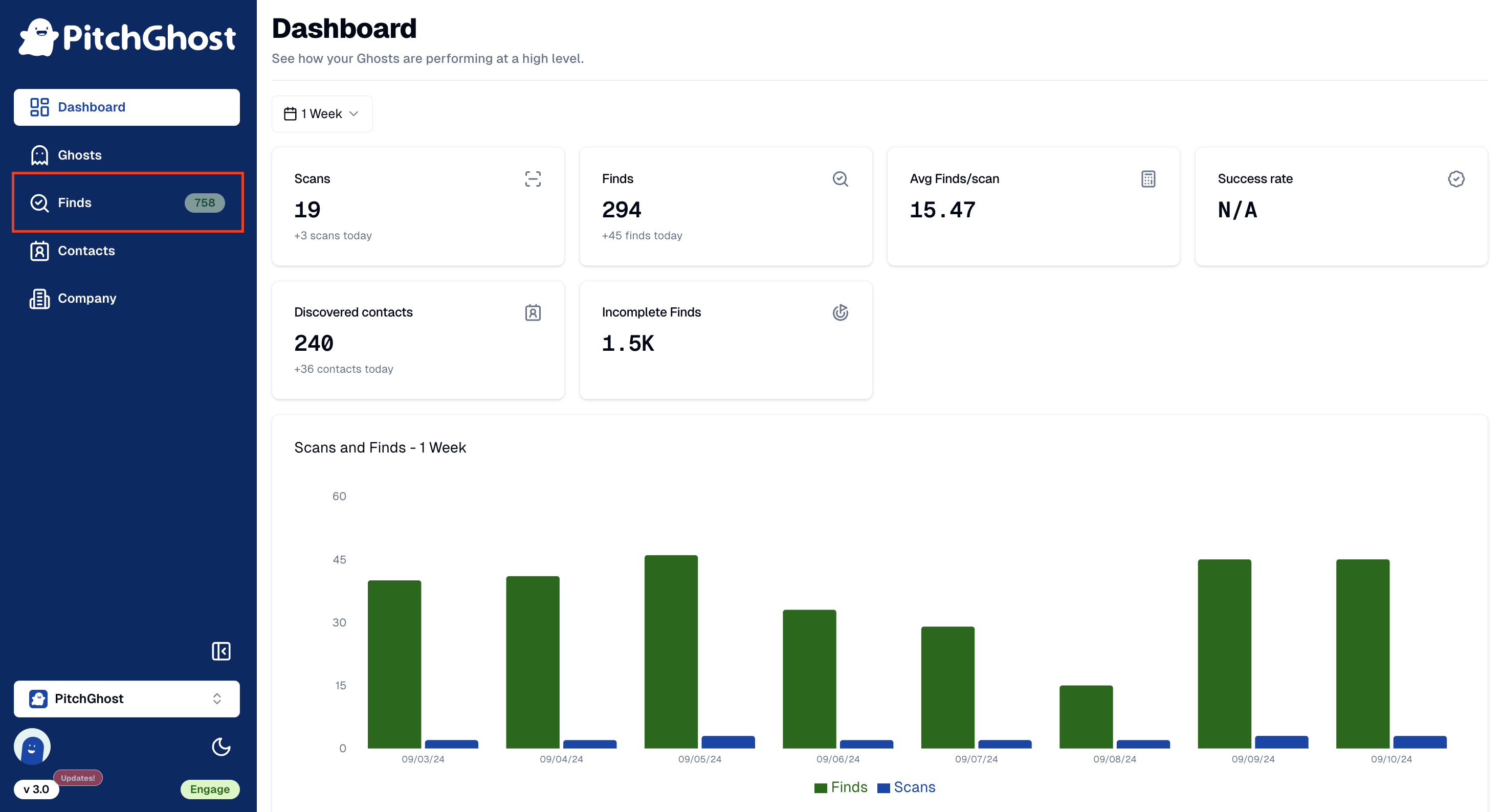
Select Finds from the navigation bar, located on the left hand side, when you are logged into your account.
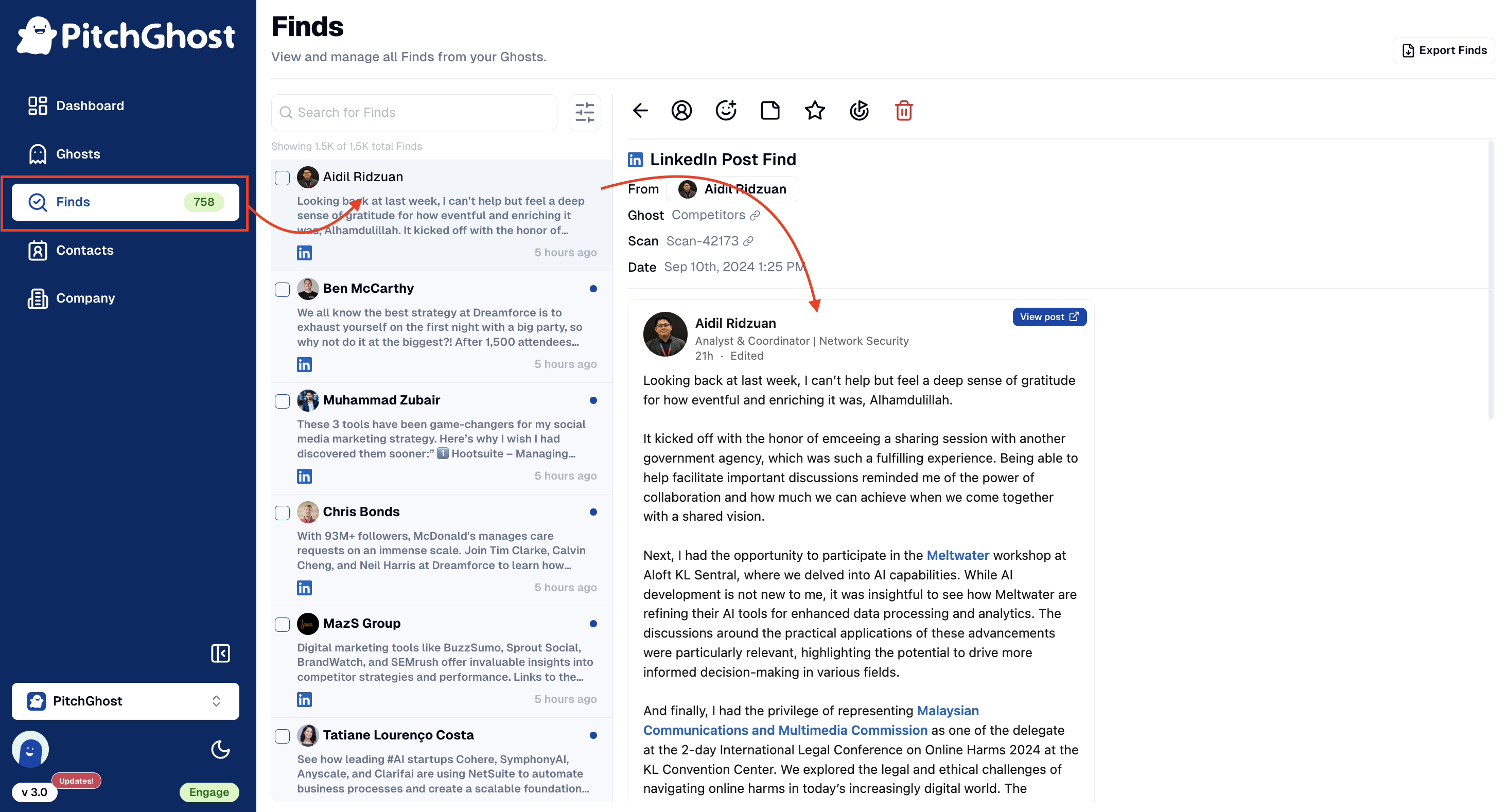
You will now see all of your Finds in an inbox-style page. Click on any individual Find to open a full view of the content.
What about content that didn’t make the cut?
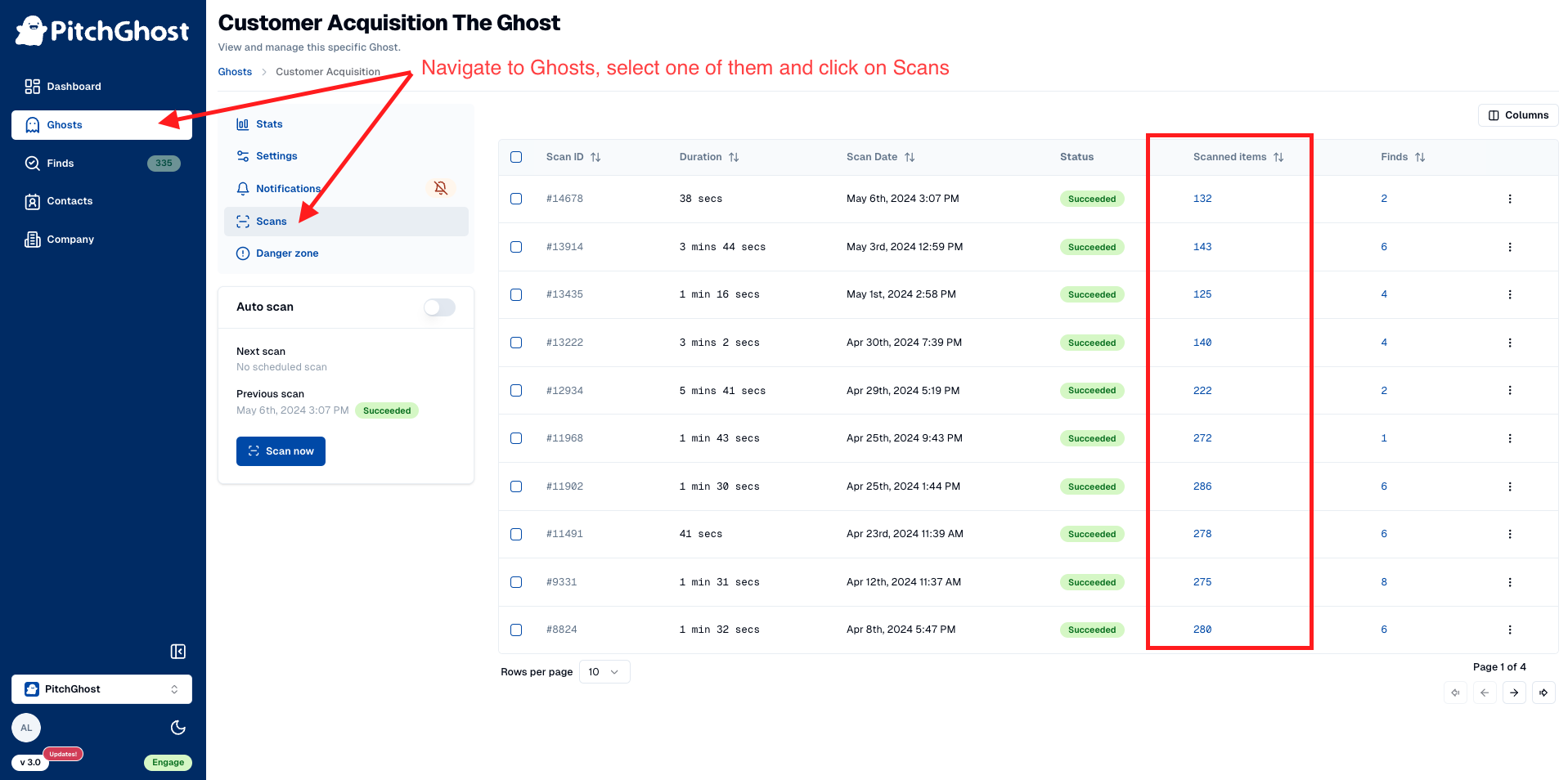
Not all items make it directly to your Finds inbox. To review all the content your Ghost scanned through:
Navigate to a Ghost and click on
Scans.Select any number under the
Scanned Itemscolumn to see all posts and the reasons they were selected or not.
This method ensures you're aware of all potential content, even those not initially highlighted.