Exporting Finds
PitchGhost allows you to export all your Finds as a CSV file for external review, CRM uploads, or further enrichment on other platforms
Written By Marc Frankel
Last updated Over 1 year ago
How to export PitchGhost Finds
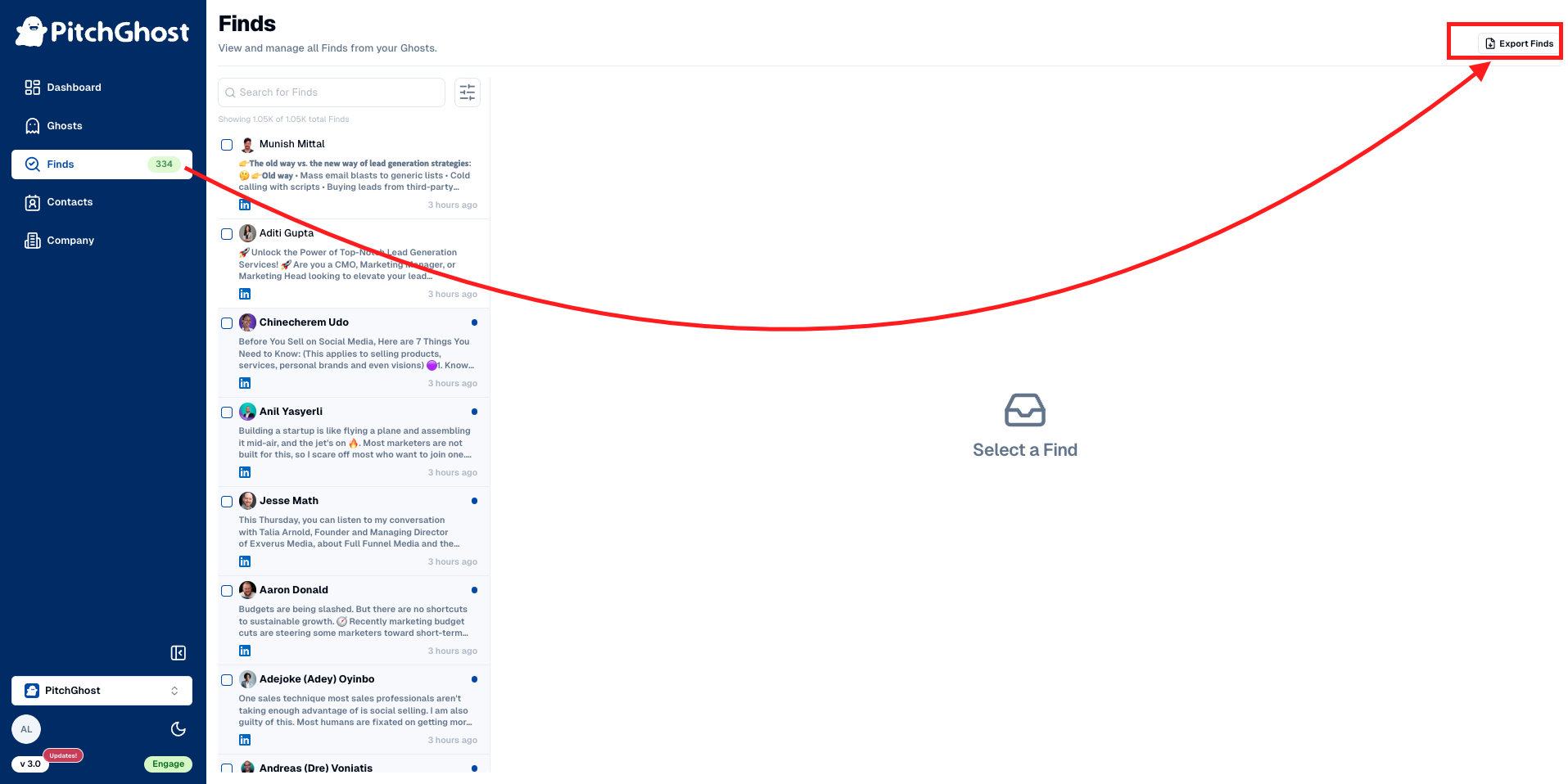
Go to your Finds inbox
Click on
Export Finds(located on the top right-hand side of the screen)Select Finds manually or apply filter before clicking
Export Findsfor desired Finds only
What info do exported Finds include?
Find ID: Unique identifier for the Find.
The text content: Actual text from the social media content.
Social media platform: The platform where the content was found.
Goal status: Current status of the goal associated with the Find.
Find date: The date when the content was identified.
Engagement status: Details of any interactions you took on the item.
Notes: Any additional remarks or notes made on the Find.
Link to content: Direct URL to the social media content.
Link to poster's profile: URL to the social media profile of the individual or company who posted the content.
Favorite status: Whether the Find has been starred
Feedback rating: What feedback rating has been given to the find