Assigning Finds
You can assign Finds to certain members on your team
Written By Marc Frankel
Last updated Almost 2 years ago
⚠️ This feature is only available on our Engage plan
How to assign a team member to a Find
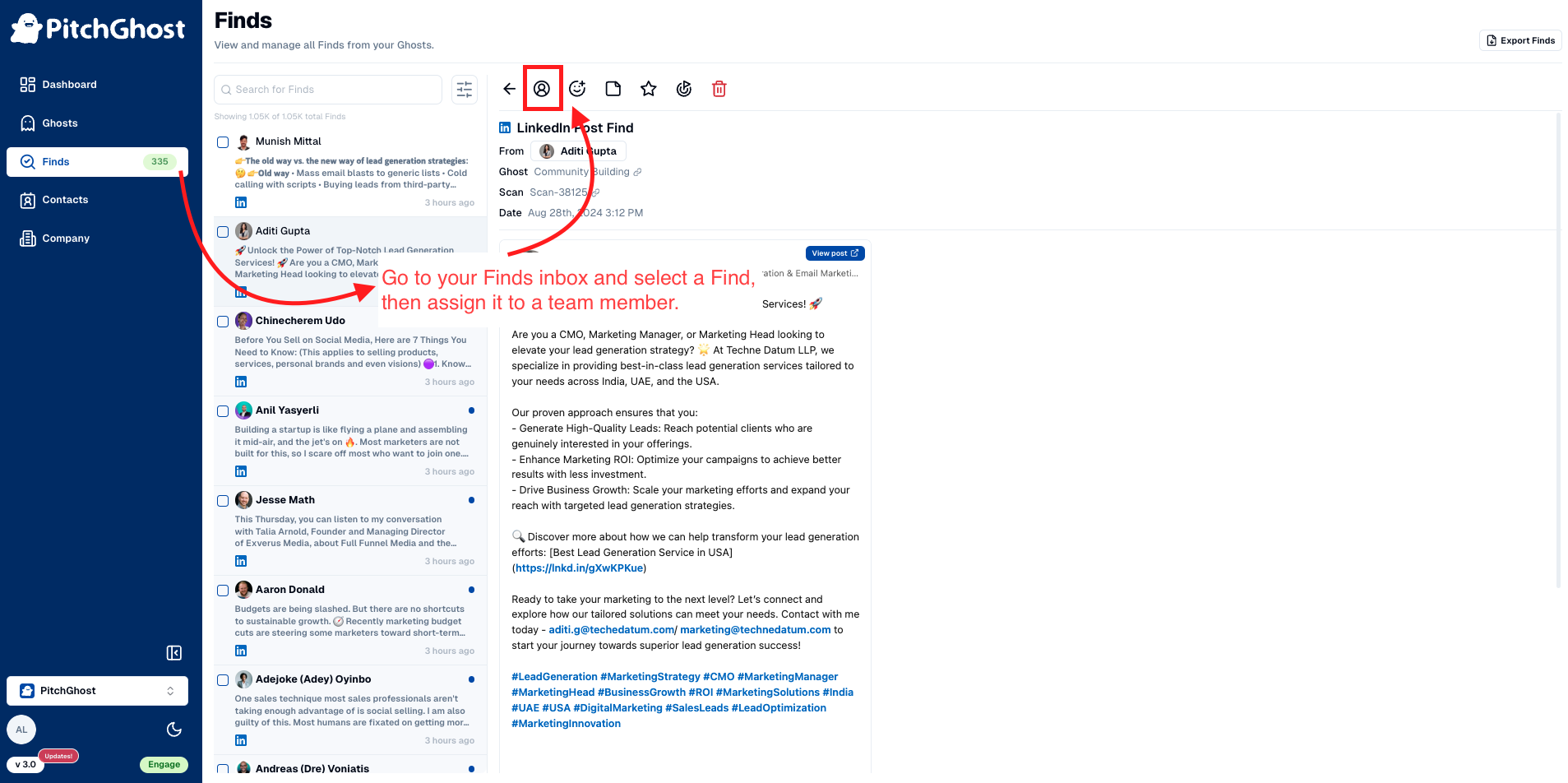
Navigate to the
Findspage on your PitchGhost dashboard.Select the Find you want to assign.
Click on the
person iconabove the Find.From the dropdown menu, choose the appropriate team member to assign the Find to.